
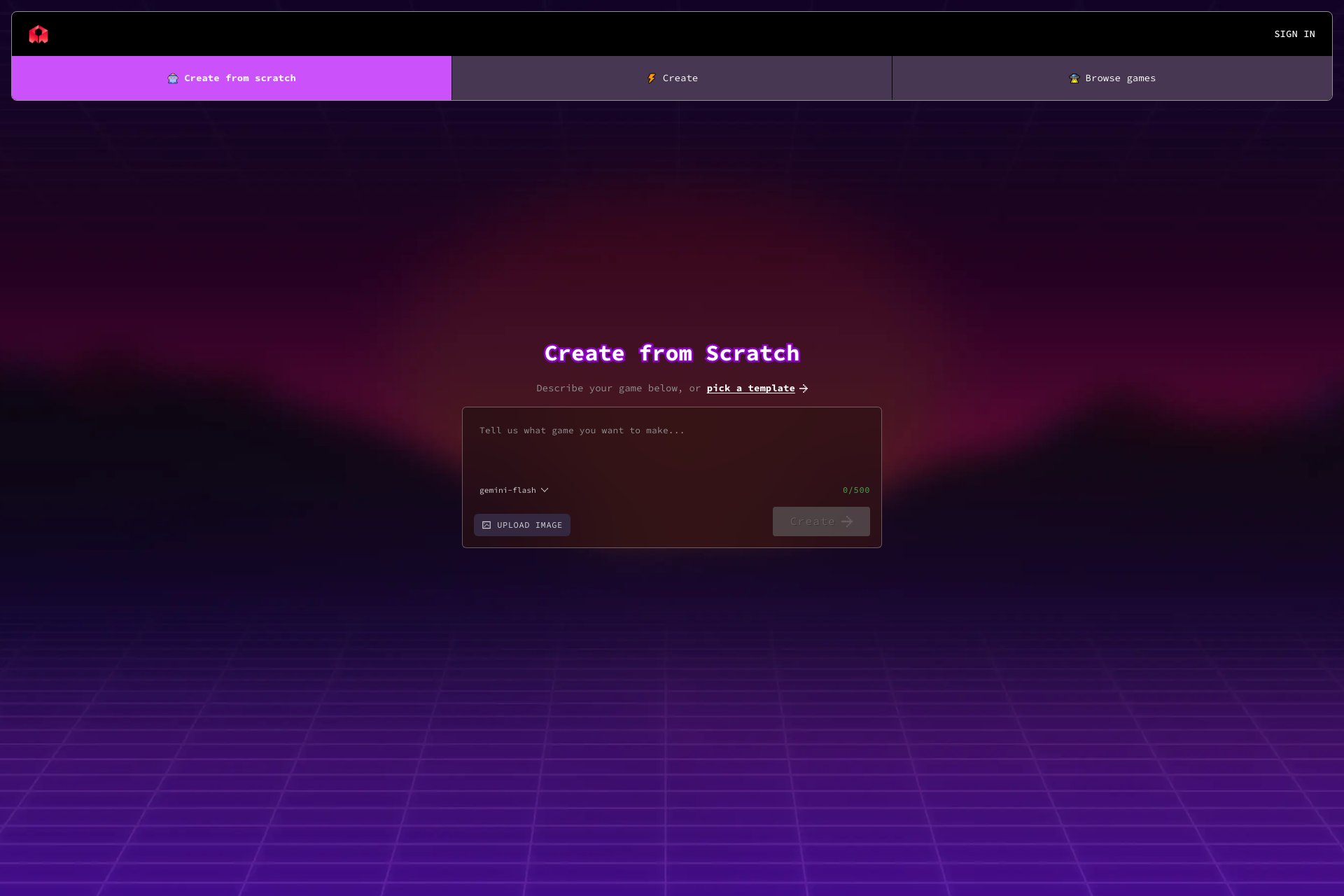
Overview
- AI generated visuals
- Easy to use
- Customizable
- High-quality output
- Wide range of options
Who it's for
- Graphic designers who need quick and easy access to high-quality visuals for their projects.
- Social media managers who need eye-catching visuals to enhance their brand's online presence.
- Marketing professionals who need to create visually appealing content for their campaigns.
- Small business owners who want to create professional-looking visuals for their website or marketing materials.
- Students or educators who need visuals for presentations or educational materials.
Pricing
What we hold on record for Rosebud.
- Pricing model
- Free Tool
Advertised prices often assume annual billing — The Annual-Billing Illusion , our study of 150 tools.
Frequently asked questions
Is Rosebud free?
Yes — Rosebud is free to use.
How much does Rosebud cost?
Nothing — it's completely free.
What are the best Rosebud alternatives?
The closest matches in our directory are aifacesearch.net, Comet, Genspark and Grok — see "More tools like this" below for the full set.
Keep comparing
Reviews
No reviews yet
Be the first to share your experience.
More tools like this
All Search Engine tools →Looking for AI tools similar to Rosebud? These are the closest picks in our index.

Start with a photo, discover possible face matches across public profiles and webpages, and review the original sources with AI face search.

Perplexity's AI browser — a Chromium browser with an agent living in the sidebar that knows your current tab, keeps context across your session, and can take actions on your behalf.

All-in-one AI workspace whose 'Super Agent' autonomously builds presentations, websites, videos, and podcasts, runs deep research, analyzes spreadsheets, and even makes real phone calls.

xAI's chatbot with real-time access to X (Twitter) data. Less restrictive than competitors on certain topics, with image gen, voice mode, and DeepSearch.

Google's frontier AI assistant. Tightly integrated with Gmail, Docs, Drive, Calendar, and YouTube. Multimodal reasoning, 1M+ token context on the paid tier.
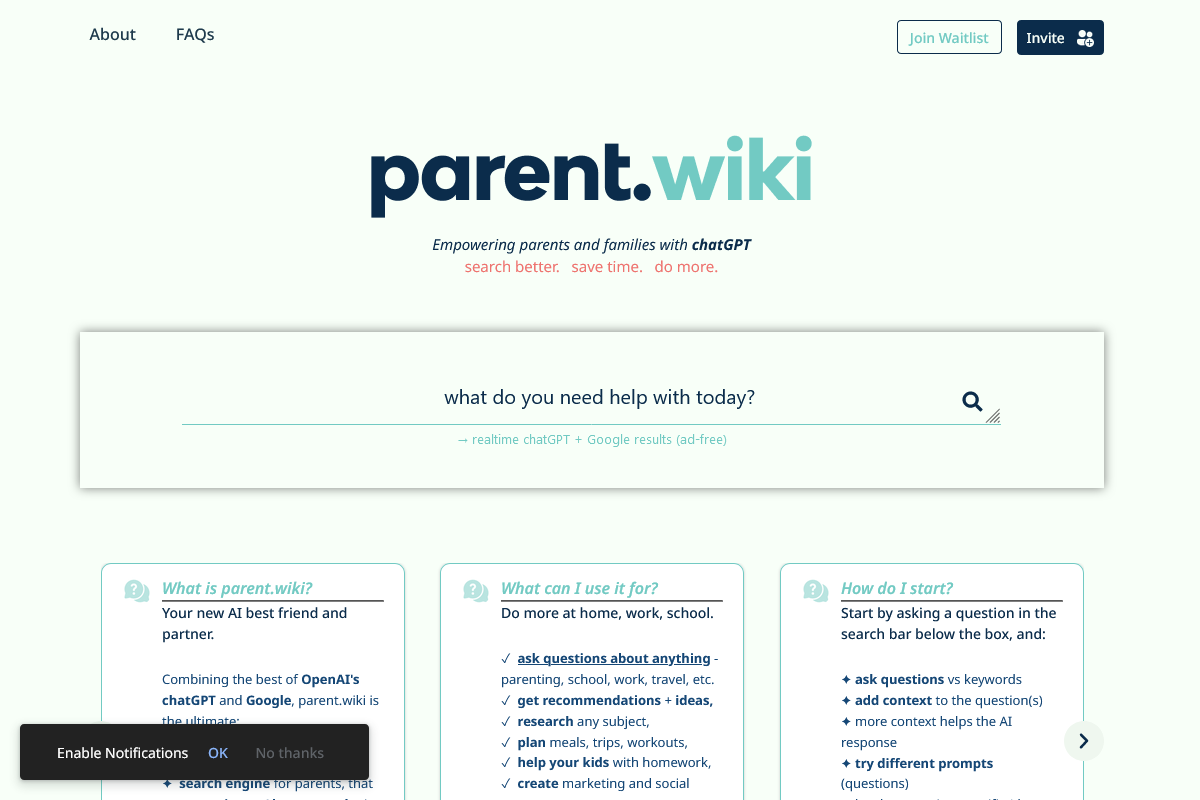
Parent.wiki is a chatGPT-powered search assistant for families.

Voila: AI-powered tool for everyday tasks, questions, and content creation.

Muse.ai: All-in-one video platform with AI-powered features for various use cases.

Algolia: Search and Discovery Platform for world-class digital experiences.