
Voicemaker
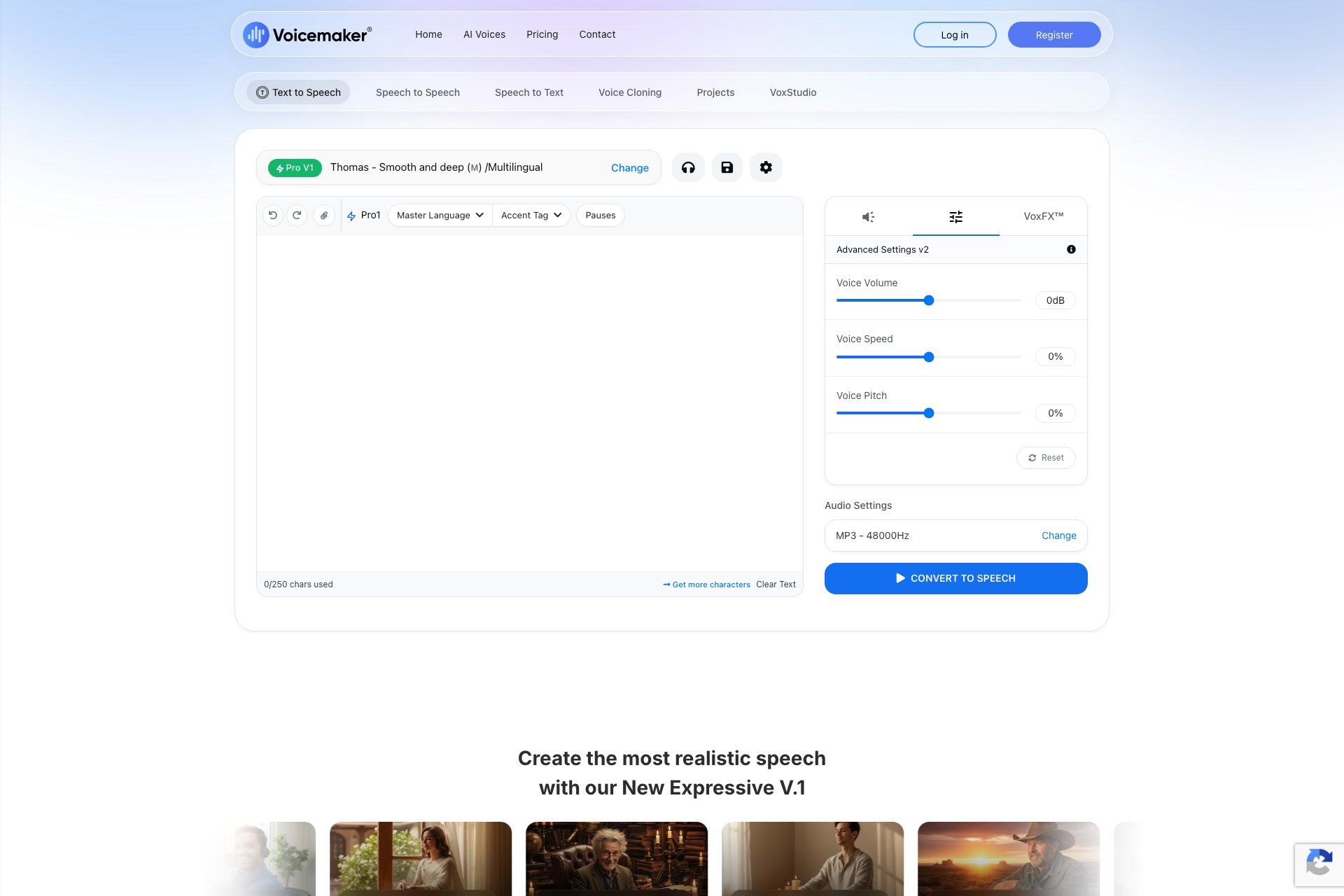
Audio tool with voice effects, speed, pitch, and volume settings.
Overview
- Create audio files for commercial use
- Offers voice effects, pauses, speed, pitch, and volume settings
- Has industry-leading features and a developer API
- 1.1 million users in over 120 countries
- Has converted over 100 million characters into voiceovers so far
Who it's for
- Marketing professionals who need to create audio advertisements or promotional materials for their clients.
- Podcasters who want to add voice effects or adjust the speed and pitch of their recordings.
- Video game developers who need to create voiceovers for their characters or narration.
- E-learning companies who need to create audio content for their courses.
- Voiceover artists who want to enhance their recordings with additional effects or adjust the volume settings.
Pricing
What we hold on record for Voicemaker.
- Pricing model
- Freemium
- Plan details
- Paid plans start from 5/mo
Advertised prices often assume annual billing — The Annual-Billing Illusion , our study of 150 tools.
Frequently asked questions
Is Voicemaker free?
There's a free tier. Paid upgrades are available.
How much does Voicemaker cost?
Paid plans start from 5/mo.
What are the best Voicemaker alternatives?
The closest matches in our directory are TTS Lines, Producer Tag Generator, ToolVerified and GPT Imge 3 Agent image editor & generator — see "More tools like this" below for the full set.
Keep comparing
Reviews
No reviews yet
Be the first to share your experience.
More tools like this
All Text To Speech tools →Looking for AI tools similar to Voicemaker? These are the closest picks in our index.

Edit voiceovers line by line: assign speakers, adjust pauses, regenerate one line, and export a joined track or separate MP3 clips.

Create short producer tags with voice styles and effects. Generate a free MP3 with no login.

ToolVerified is a hand-curated software directory where every tool is manually reviewed by a real person, paid placements are permanently banned, and the community's upvotes are the only thing that decides what trends.

Use the GPT Image 3 Agent to generate new visuals, edit photos with references, and refine any result through conversation. This AI agent combines an AI image generator and AI photo editor in one workspace, keeping every prompt, source photo, and chosen result connected.
AI text-to-speech platform with realistic voice generation and voice cloning for creators and developers.

Salient: AI sales rep, generates outbound, sets up meetings, responds queries.

Pod Genie - Create personalized podcasts from any RSS feed.

Narration Box: AI tool for multilingual voiceovers, audiobooks, and podcasts.

AI Voice Generator creates natural-sounding TTS audio in multiple languages.