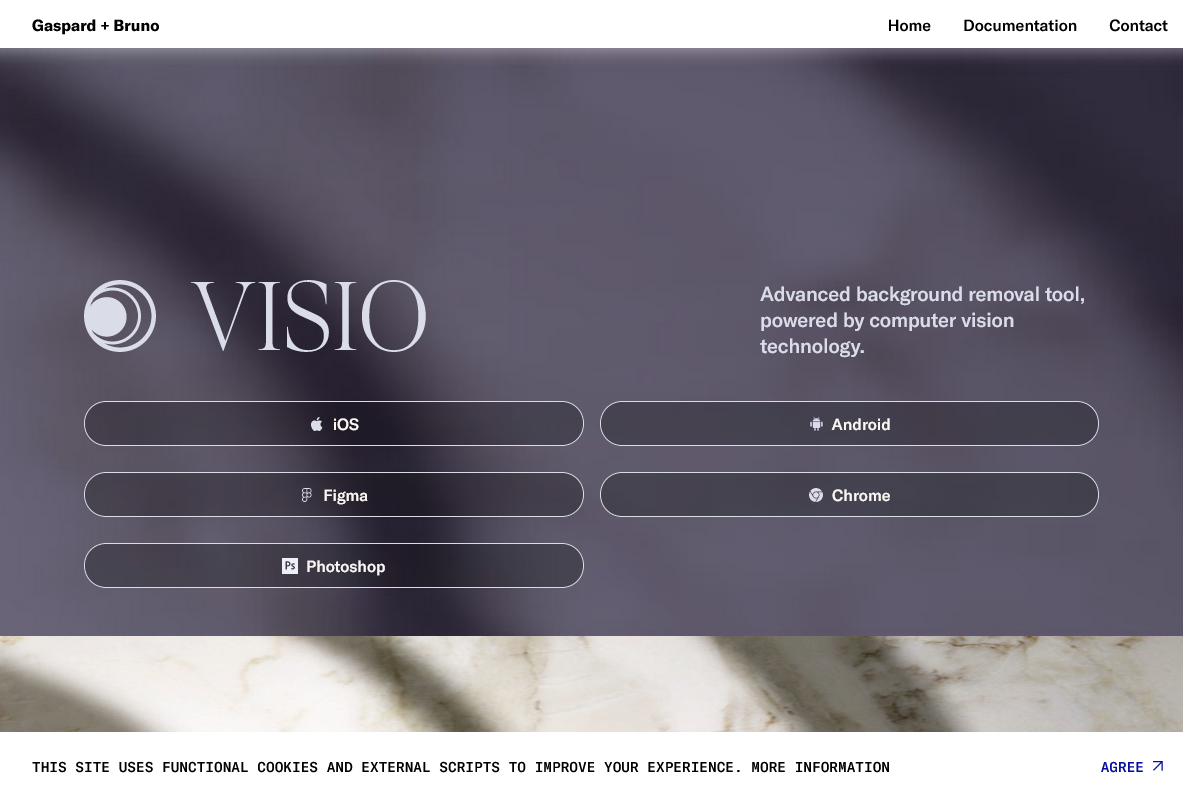
Visio Studio
Visio Studio: Advanced background removal tool for mobile photo editing.
Overview
- Advanced background removal tool
- Powered by computer vision technology
- Allows editing and optimization of pictures directly from phone
Who it's for
- Professional photographers who need to quickly and efficiently remove backgrounds from their images for commercial or editorial purposes.
- Social media influencers who want to enhance the visual appeal of their posts by removing distracting backgrounds and focusing on the subject.
- E-commerce businesses that need to showcase their products in a clean and consistent manner by removing backgrounds and adding custom backgrounds or shadows.
- Graphic designers who need to create high-quality graphics for websites, advertisements, or print materials by removing backgrounds and adding custom effects.
- Amateur photographers who want to improve the quality of their photos by removing unwanted elements and enhancing the overall composition.
Pricing
What we hold on record for Visio Studio.
- Pricing model
- Freemium
Advertised prices often assume annual billing — The Annual-Billing Illusion , our study of 150 tools.
Frequently asked questions
Is Visio Studio free?
There's a free tier. Paid upgrades are available.
What are the best Visio Studio alternatives?
The closest matches in our directory are Browlens, Beardstyle AI, PicReword and GPT Image 2 API — see "More tools like this" below for the full set.
Keep comparing
Reviews
No reviews yet
Be the first to share your experience.
More tools like this
All Image Editing tools →Looking for AI tools similar to Visio Studio? These are the closest picks in our index.

Free AI eyebrow shape mapping and brow try-on
Upload one front-facing photo and try 40 beard styles on your own face. Each result takes about ten seconds.
Picreword is an online AI image text editor for fixing typos, replacing headlines, and updating image copy without needing the original design files.
Production-ready image generation and editing with GPT Image 2 API

Create and edit AI photos, free to try without sign-up.
AI toolkit for image and video generation

Generate and edit images with Nano Banana models using natural-language prompts.
Edit JPG, PNG, and WebP photos with natural-language AI prompts.

AI-powered fashion content platform for product photoshoots, virtual try-on, UGC ads, and cinematic product videos.