Napkin AI
Text-to-visual tool that turns your writing into diagrams, flowcharts, mind maps, and infographics automatically — no prompting needed — with export to PPT, PNG, PDF, and SVG.
Overview
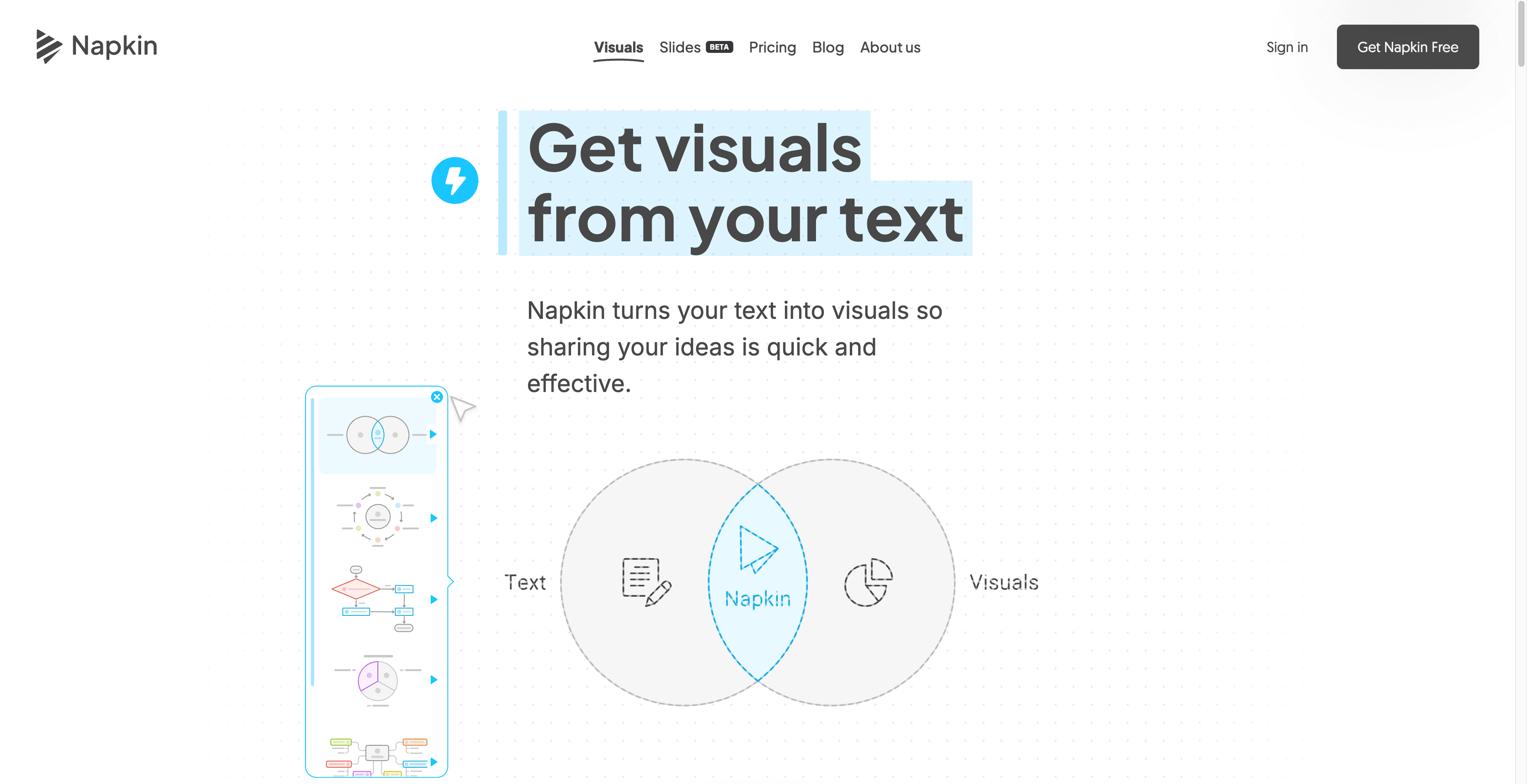
Napkin AI takes a block of text — notes, a doc draft, a bullet list — and generates diagrams, flowcharts, mind maps, and infographics from it without you writing a single prompt. You paste your content, click once, and it surfaces visual options that match what you wrote. The output isn't locked in: you can edit the result and export to PPT, PNG, PDF, or SVG depending on where it needs to go. You're not replacing a designer here, but you are skipping the blank-slide problem. If you regularly need to turn written thinking into something a room can read at a glance — pitch decks, training materials, strategy docs — this cuts the time between draft and visual significantly. The free tier gives you 500 weekly credits to test the workflow before committing. Paid plans start at $9/month and unlock higher usage and additional export options. It's a focused tool that does one thing: make your text readable as a diagram.
- Generate diagrams from pasted text without writing prompts or describing what you want.
- Choose from multiple visual formats: flowcharts, mind maps, infographics, and more.
- Edit generated visuals directly before exporting.
- Export to PPT, PNG, PDF, or SVG depending on your destination.
- 500 free weekly credits let you evaluate the tool before paying.
- Annual billing drops the cost roughly 25% on Plus and Pro plans.
What stands out
- No prompting required — the tool reads your content and decides the structure, which removes a real friction point.
- SVG and PPT exports mean the output is actually editable downstream, not just a flat image.
- Free tier is generous enough to judge whether it fits your workflow.
- Fast iteration: paste, generate, pick, export — the loop is short.
Where it falls short
- Auto-generated diagrams won't always match your intended structure — expect to regenerate or manually adjust.
- At $22/month for Pro, it's hard to justify if you only need visuals occasionally.
- No prompting means less control: you get what the model infers, not necessarily what you had in mind.
- Credit-based free tier means heavy users will hit the ceiling quickly and face a paywall decision.
Who it's for
- Founders who need pitch deck visuals but don't have a designer on call.
- Marketers turning strategy docs into presentation-ready graphics on a deadline.
- Educators who want to convert lesson notes into structured visual aids quickly.
- Consultants who produce a lot of written deliverables and need a faster path to client-facing diagrams.
- Solo operators who live in docs and hate spending an hour in Figma for a single flowchart.
Pricing
What we hold on record for Napkin AI.
- Pricing model
- Freemium
- Plan details
- Free (500 weekly credits) / Plus $9/mo / Pro $22/mo (annual saves ~25%)
Advertised prices often assume annual billing — The Annual-Billing Illusion , our study of 150 tools.
Our take
Figma for people who hate Figma
— Toolhunter editors
Frequently asked questions
Is Napkin AI free?
There's a free tier. Paid upgrades are available.
How much does Napkin AI cost?
Free (500 weekly credits) / Plus $9/mo / Pro $22/mo (annual saves ~25%).
What is Napkin AI used for?
Figma for people who hate Figma. It's listed under Presentations in our directory.
What are the best Napkin AI alternatives?
The closest matches in our directory are AI Presentations, Decktopus AI, MyReport and Superus — see "More tools like this" below for the full set.
Keep comparing
Reviews
No reviews yet
Be the first to share your experience.
More tools like this
All Presentations tools →Looking for AI tools similar to Napkin AI? These are the closest picks in our index.
%20(1)-256.png)
Create professional PowerPoint and Google Slides presentations from prompts, documents, PDFs, YouTube videos, webpages, and more using AI.

Decktopus AI: AI-powered presentation generator for sales, marketing, and more.

MyReport by alaba a.i. automates data collection and citation for reports.
Superus: AI-powered info mapping tool for better understanding.

PowerPresent AI: AI-driven tool for visually appealing presentations in minutes.

Prezo: AI-powered platform for fast, customizable, and user-friendly slide creation.

Presentation tool with templates, designs, features, and integrations.

MagicSlides: AI-powered Google Slide add-on for quick, customizable presentations.

MotionIt.ai: AI-powered platform for easy, professional slide and video creation.