
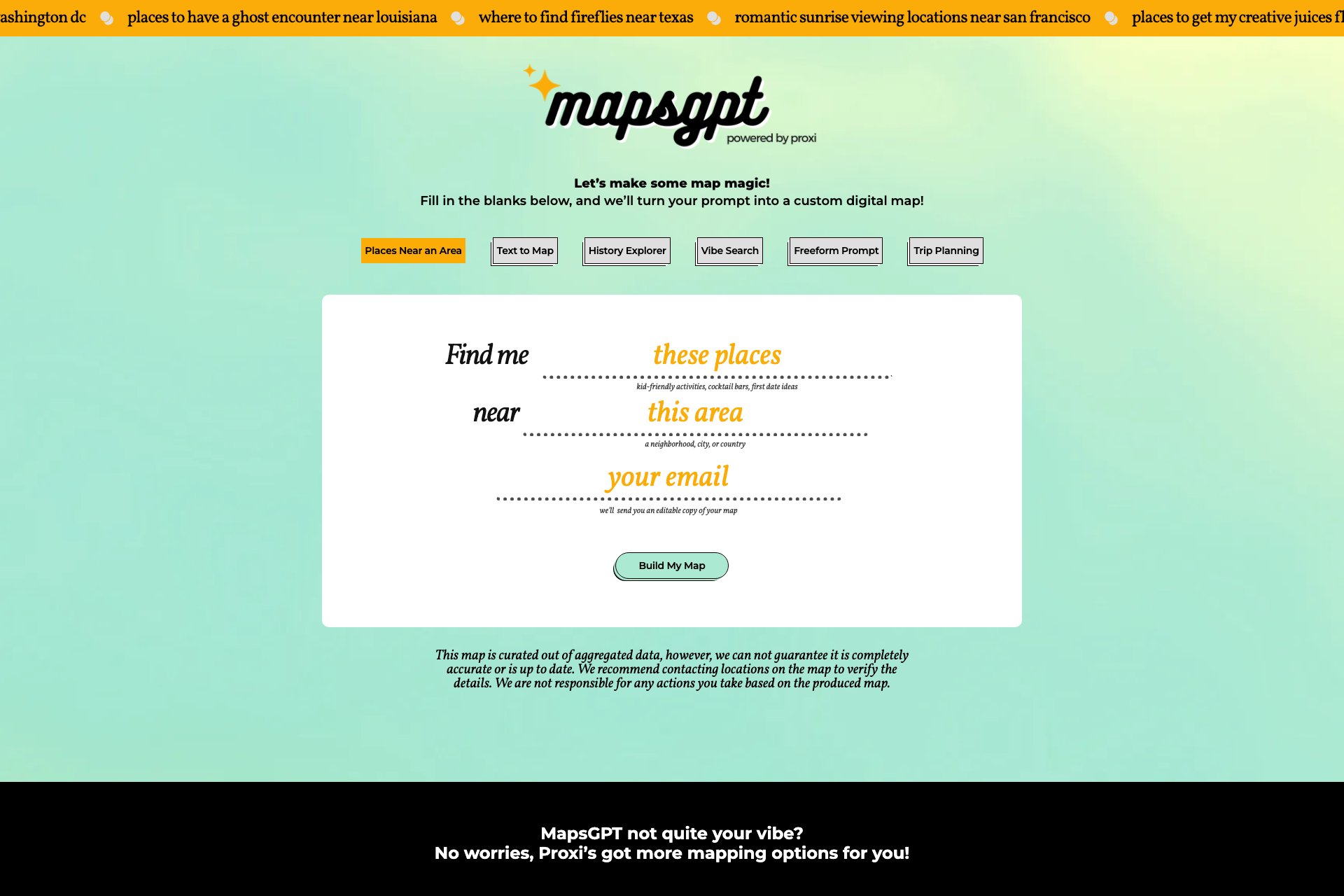
Overview
- Easy map generation: Enter the type of location desired, and the tool creates a map with custom pins
- Editable maps: Modify maps by adding or editing points as needed
- Simple sharing: Share maps via Twitter, Facebook, email, or by copying the link
- Proxi integration: Revisit previously created maps and access aggregated data
- Use cases for MapsGPT cater to various needs:
- Overall, MapsGPT offers a user-friendly solution for creating and sharing custom maps for any occasion.
Who it's for
- Travel enthusiasts who want to create custom maps for their trips and explore new places.
- Event organizers who need to find suitable locations for their events and activities.
- Adventurous locals who want to discover hidden gems in their area and share them with others.
- Business owners who want to create maps for their customers to easily find their location.
- Tour guides who want to create custom maps for their tours and highlight important points of interest.
Pricing
What we hold on record for Maps GPT.
- Pricing model
- Free Tool
Advertised prices often assume annual billing — The Annual-Billing Illusion , our study of 150 tools.
Frequently asked questions
Is Maps GPT free?
Yes — Maps GPT is free to use.
How much does Maps GPT cost?
Nothing — it's completely free.
What are the best Maps GPT alternatives?
The closest matches in our directory are ExamParser, ReplyBash, Honer AI and VibeCodingList — see "More tools like this" below for the full set.
Keep comparing
Reviews
No reviews yet
Be the first to share your experience.
More tools like this
All Assistant tools →Looking for AI tools similar to Maps GPT? These are the closest picks in our index.

Convert Word, PDF & Docs to a Canvas Quiz

Turn website visitors into leads and customers with AI.

Android AI assistant with chat, web search, photo and document analysis, and voice input.

VibeCodingList is the builder network and feedback marketplace for AI-built and vibe-coded products. Builders submit live apps, games, tools, SaaS projects, and experiments, then ask one clear question so contributors know what to check. Other builders and product-minded contribu

Disk Prices Tools is a free storage comparison platform that brings every HDD, SSD, and NVMe drive into one sortable table with automatic $/TB, full specs, advanced filters, live search, and community-powered corrections. No sign-up needed.

Your own hosted Hermes Agent in a minute: memory, self-learning skills, schedules, a real browser and 1,000+ app connections.

Blur faces, text & license plates instantly in your browser. 100% private AI — no uploads, no sign-up.

Turn long videos into captioned shorts with AI-powered clip selection, editing, and vertical framing.

Create, remix, and edit cinematic AI videos online with Free Gemini Omni using text, image, audio, and video prompts.