
Kling AI
AI video generator from Kuaishou that turns text and images into cinematic clips up to several minutes long, with motion control, camera moves, native audio, and 4K output.
Overview
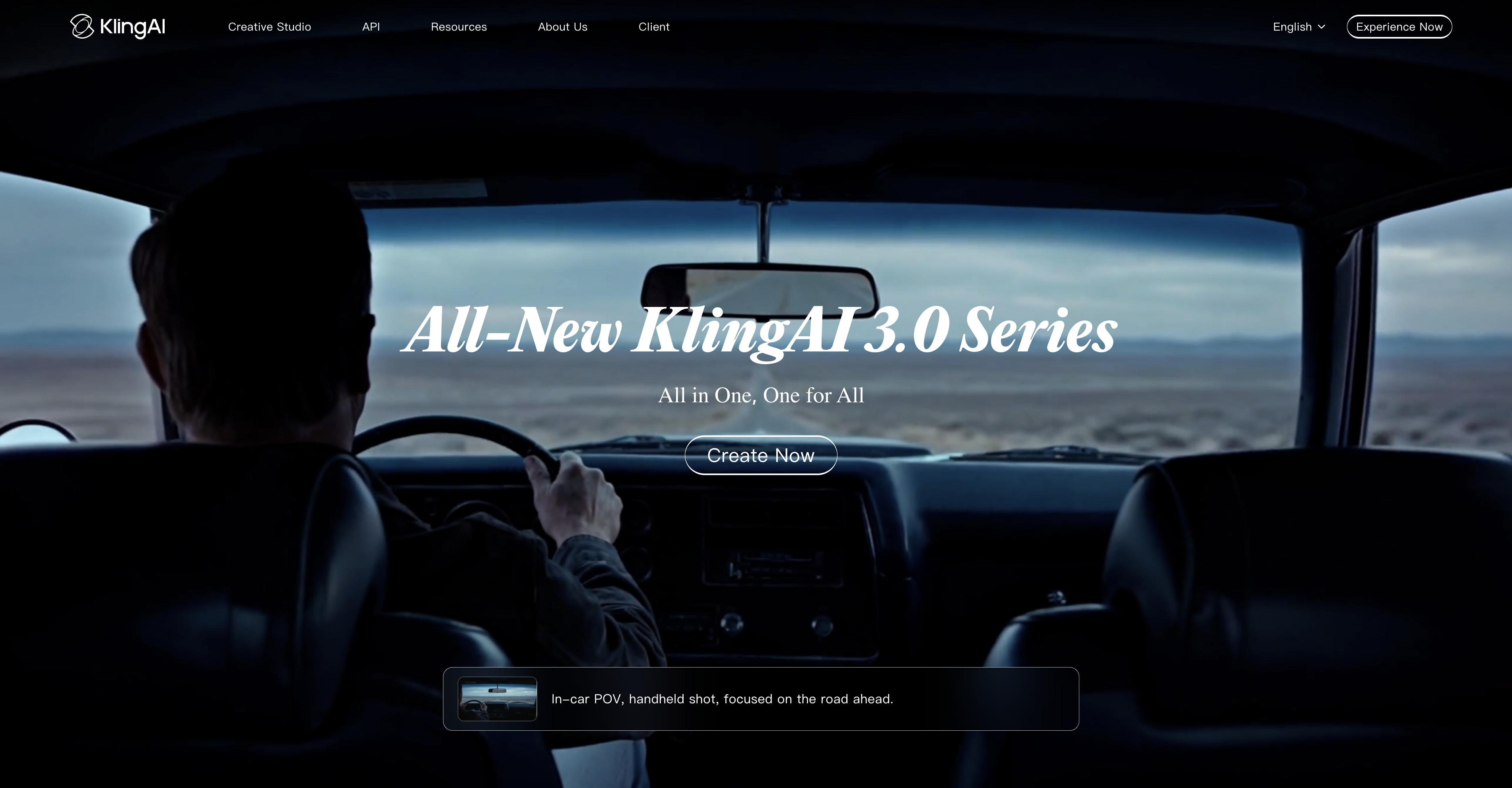
Kling AI is Kuaishou's video generation model, currently sitting at the top of AI-video ELO benchmarks ahead of Veo 3 and Runway Gen-4. You feed it a text prompt or a still image and it returns clips up to roughly three minutes long at up to 4K resolution, with coherent motion and cinematic camera moves that most competing tools still struggle to hold together.
You get granular control over how subjects move and how the virtual camera behaves — dolly, pan, orbit — which matters if you're cutting these clips into real productions rather than just posting novelty content. Built-in audio generation and AI avatar tools round out the feature set, so you can produce a complete rough cut without leaving the platform.
Kling has a free Basic plan. Non-subscribers can claim free credits once a month by logging in; Kling's page does not state the amount. Paid plans list from $10 a month for 660 credits (Standard) to $619 a month for 57,000 credits (Ultra+), with lower first-month prices for new subscribers. Credits are deducted by model, duration and resolution. Watermark removal, 1080p and 4K output, and commercial use need a paid plan.
- Generate video from text prompts or animate a static image into a moving clip.
- Control camera movement with cinematic presets — dolly, pan, orbit, and more.
- Fine-tune subject motion independently of the camera path.
- Output clips up to ~3 minutes long at up to 4K resolution.
- Generate synchronized audio natively without a separate tool.
- Create AI avatars and run virtual try-on for product or fashion use cases.
- Access the Kling 3.0 model, currently ranked first on public AI-video ELO leaderboards.
What stands out
- Benchmark-leading motion coherence and camera control compared to Veo 3 and Runway Gen-4.
- Longer clip length (~3 min) than most competitors without stitching.
- A free Basic plan lets you try it before paying.
- All-in-one platform covers video, audio, and avatars without third-party integrations.
Where it falls short
- Credit consumption for 4K or long clips burns through paid tiers faster than the flat monthly price suggests.
- Developed and hosted by a Chinese company (Kuaishou), which may raise data-handling concerns for some commercial clients.
- The larger plans are expensive for hobbyists who only need occasional high-res output: Premier lists from $92 a month and Ultra+ at $619.
- Output quality is still inconsistent on complex multi-subject scenes despite strong benchmark scores.
Who it's for
- Filmmakers and directors who need a fast previsualization tool or B-roll that would otherwise require a crew.
- Marketers producing video ads who want to iterate on concepts without booking shoots.
- Solo creators animating stills or concept art into motion clips for social or portfolio work.
- Studios and agencies evaluating AI video pipelines for client deliverables at scale.
Pricing
What we hold on record for Kling AI.
- Pricing model
- Freemium
- Entry price
- $10/mo (billed monthly)
- Plan details
- Free Basic plan (monthly free credits, amount not stated) / Standard $10/mo list, 660 credits ($6.99 first month, then $8.80) / Pro $37 / Premier from $92 / Ultra+ $619
Re-checked against the live pricing page on Nov 17, 2026
Advertised prices often assume annual billing — The Annual-Billing Illusion , our study of 150 tools.
Our take
Runway competitor with better benchmarks
— Toolhunter editors
Frequently asked questions
Is Kling AI free?
There's a free tier. Paid plans start at $10/mo. We last checked this against the live pricing page on Nov 17, 2026.
How much does Kling AI cost?
Plans start at $10/mo billed monthly. We last checked this against the live pricing page on Nov 17, 2026.
What is Kling AI used for?
Runway competitor with better benchmarks. It's listed under Video Generator in our directory.
What are the best Kling AI alternatives?
The closest matches in our directory are Motion Control AI, Goshortsai, Live Face Swap and Rapvora — see "More tools like this" below for the full set.
Keep comparing
Guides featuring Kling AI
All research →Read how Kling AI fits into real workflows.
Reviews
No reviews yet
Be the first to share your experience.
More tools like this
All Kling AI alternatives →Looking for AI tools similar to Kling AI? These are the closest picks in our index.
Create motion-controlled character videos with AI. Upload a character image and reference video to transfer dance, gestures, body movement, timing, and camera rhythm.
Goshortsai is an AI creative studio for turning still photos and text prompts into short AI videos and high-resolution images.
Live Face Swap is a browser-based AI webcam face swap project being developed for creators and performers. The planned experience combines a reference portrait, webcam input, and a live preview to support character rehearsals and creative on-camera content. The website currently

Viral AI rap video generator that turns photos and topics into instant hip-hop music videos.
Ephemeral AI studio: chat without an account, images, and cinematic video with sound, paid per clip. Signals dissolve in seven days; no transcript kept.

Create solo or duo rap videos from portrait photos, with vocals and music.
Turn your photos into an AI rap video — no filming

Upload photos of you and up to 4 friends and get a 15-second Outstanding Tiny Desk AI video with AI-generated sound, in 9:16 for TikTok, Reels and Shorts.

All-in-one AI video creation with text-to-video, image-to-video, editing, avatars, music, subtitles, and 20+ leading models in one workspace.