Image to Image AI
A powerful AI image editing and generation suite. Transform styles, seamlessly edit, replace backgrounds, and upscale images losslessly using simple text prompts—no professional skills required.
Overview
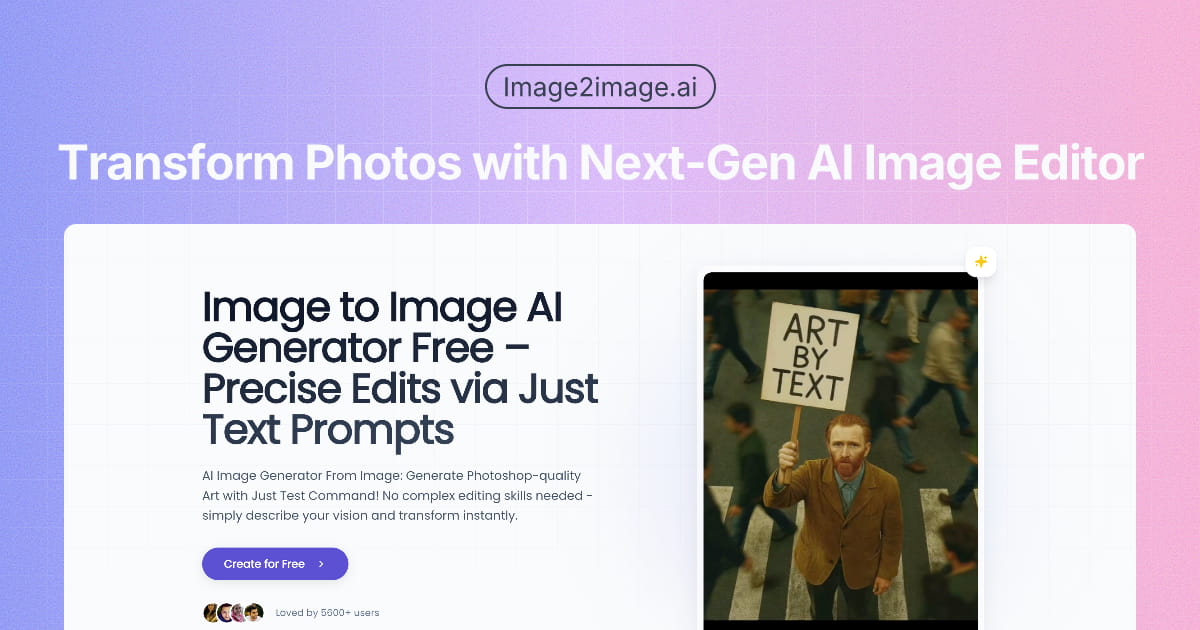
Image to Image AI lets you edit and transform photos using plain text prompts. You describe what you want — a different background, a new art style, an object removed — and the tool handles the execution. No layer masks, no selection tools, no Photoshop experience needed. The core workflow is straightforward: upload an image, type what you want changed, get a result. You can transfer artistic styles (watercolor, cyberpunk, oil painting), swap backgrounds, add or remove objects, and upscale images to print-ready resolution without the usual quality degradation. Each of these is a discrete tool rather than one monolithic editor. At $8/month for Pro, it sits in a crowded space alongside Adobe Firefly, Canva AI, and Clipdrop. Where it differentiates is the focus on image-to-image transformation specifically — you're always working from an existing photo as the base, not generating from scratch. That makes it more useful for product photography cleanup and style iteration than for pure generative work.
- Reapply an image in a new artistic style using a text prompt — watercolor, oil painting, cyberpunk, etc.
- Replace backgrounds automatically by isolating the subject and generating a new scene from a description.
- Remove or add objects within a photo without visible seams or artifacts.
- Upscale images to higher resolutions while preserving fine detail — useful for print or large-format display.
- Text-driven editing throughout — no manual selection tools or layer management required.
What stands out
- Text-only interface means no learning curve for non-designers.
- Image-to-image focus keeps results grounded in your original photo rather than going fully generative.
- Lossless upscaling is genuinely useful for e-commerce and print workflows.
- Freemium tier lets you test core features before committing.
Where it falls short
- Crowded category — Adobe Firefly, Clipdrop, and Canva AI cover significant overlap.
- Output quality on style transfer can be inconsistent depending on source image complexity.
- No apparent API or batch processing, which limits usefulness at scale.
- Free tier likely has generation limits that will frustrate regular users quickly.
Who it's for
- E-commerce sellers who need clean product photos with swapped backgrounds and no studio budget.
- Social media managers who need fast visual variations without opening Photoshop.
- Graphic designers who want to prototype style directions quickly before committing to manual execution.
- Hobbyists who want to edit photos beyond what basic apps allow but aren't learning Lightroom.
- Small business owners who need consistent, polished visuals and have no dedicated design resource.
Pricing
What we hold on record for Image to Image AI.
- Pricing model
- Freemium
- Plan details
- $8/mo Pro
Advertised prices often assume annual billing — The Annual-Billing Illusion , our study of 150 tools.
Our take
Photoshop edits, minus the Photoshop.
— Toolhunter editors
Frequently asked questions
Is Image to Image AI free?
There's a free tier. Paid upgrades are available.
What is Image to Image AI used for?
Photoshop edits, minus the Photoshop. It's listed under Design in our directory.
What are the best Image to Image AI alternatives?
The closest matches in our directory are AI Sticker Maker, Home Design AI, Book Cover Generator and ogimagegenerator.dev — see "More tools like this" below for the full set.
Keep comparing
Reviews
No reviews yet
Be the first to share your experience.
More tools like this
All Design tools →Looking for AI tools similar to Image to Image AI? These are the closest picks in our index.
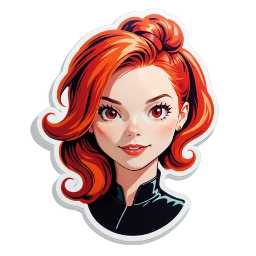
AI Sticker Maker is a free online AI sticker generator. Turn a short text prompt or portrait into a clean sticker, then download PNG or WebP. Guests get 3 generations with no account or credit card. Failed generations return the credit. One-time credit packs available—no subscrip

AI-powered home design tool for interiors, exteriors, and floor plans. Upload a photo and get realistic redesign renders in seconds.

AI book cover generator for indie authors: turn your title, genre and story summary into two distinct cover directions, then refine and download.
Paste a URL and AI reads your page, picks up your brand colours, fonts and logo, and designs Open Graph images that fit it. Edit everything, export a PNG or get a hosted og:image link. Free, no account.
Animate a Drawing AI turns hand-drawn pictures, doodles, pencil sketches, and illustrations into animated videos while preserving their original visual style.

Turn a photo of yourself, your pet, or a character into a personalized Burning Bridges AI dance video with synchronized audio, ready to share on TikTok, Reels, and Shorts.
Study color, typography and layout across 139 brand-design references in structured Markdown, then bring clearer context into AI-assisted design briefs.
Blur faces, text & license plates instantly in your browser. 100% private AI — no uploads, no sign-up.
AI tattoo generator for turning ideas, photos & sketches into expressive designs.