
Google Veo 3
Google DeepMind's flagship text-to-video model with synchronized native audio, used through Google Flow to generate realistic clips with sound, dialogue, and consistent characters.
Overview
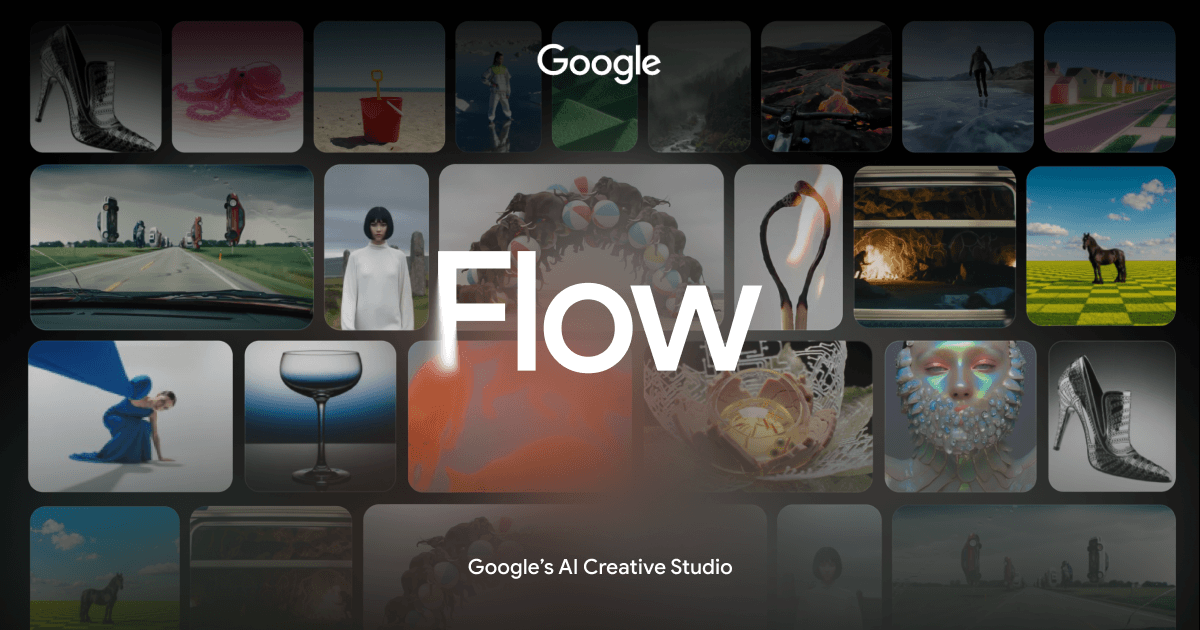
Google Veo 3 is DeepMind's text-to-video model that generates video clips with synchronized native audio — speech, sound effects, and ambient noise baked in from the start, not added in post. You describe a scene in text, and Veo 3 renders it with coherent visuals and matching audio in a single pass. Access it through Google Flow, a browser-based filmmaking tool, or through the Gemini app on AI Pro and Ultra plans. You get character consistency across shots, which has been a persistent weak point in AI video. Flow lets you string clips together, maintain scene continuity, and iterate on individual segments without rebuilding everything from scratch. The API is available for developers who want to pipe Veo 3 into their own pipelines at $0.03 per second of generated video. The free tier via Google Labs gives you limited access to test the model. Serious use requires AI Pro at $19.99/month, and high-volume or Ultra-quality output jumps to $249.99/month. If you're evaluating AI video tools for production work, Veo 3's native audio generation is currently the clearest differentiator from competitors like Sora or Runway.
- Generate video and synchronized audio — speech, effects, ambience — in a single text prompt.
- Maintain character appearance and scene coherence across multiple shots without manual re-prompting.
- Edit and sequence clips inside Google Flow's browser-based filmmaking interface.
- Access via Gemini app on mobile for on-the-go generation on Pro and Ultra plans.
- Call the model directly via API at $0.03/second for custom integrations.
- Iterate on individual clip segments without regenerating an entire sequence.
What stands out
- Native audio generation is a genuine technical differentiator — most competing models still require separate audio workflows.
- Character consistency across shots is meaningfully better than earlier AI video models.
- Google Flow provides a structured environment for multi-clip projects, not just one-off generations.
- API pricing is predictable and usage-based, which works for developers building production pipelines.
- Free tier via Google Labs lets you evaluate the model before committing to a paid plan.
Where it falls short
- Ultra tier at $249.99/month is expensive for individual creators or small teams without clear ROI.
- Google Flow is still in Labs, meaning the interface and feature set can change without notice.
- API access requires separate setup and isn't bundled with the consumer plans, adding friction for hybrid users.
- Output quality and generation speed depend on plan tier, so free-tier results may not reflect what Pro or Ultra delivers.
Who it's for
- Filmmakers and directors who want to prototype scenes with dialogue and sound before committing to a shoot.
- Content creators who need short-form video with synchronized audio and don't want a separate audio production step.
- Studios exploring AI-assisted pre-visualization with character and scene consistency across multiple shots.
- Developers building video generation into products who need a reliable API with predictable per-second pricing.
- Advertisers and agencies producing short video concepts at scale without full production crews.
Pricing
What we hold on record for Google Veo 3.
- Pricing model
- Freemium
- Plan details
- Free via Google Labs / Google AI Pro $19.99/mo / Ultra $249.99/mo / API from $0.03/sec
Advertised prices often assume annual billing — The Annual-Billing Illusion , our study of 150 tools.
Our take
Sora competitor that actually ships audio.
— Toolhunter editors
Frequently asked questions
Is Google Veo 3 free?
There's a free tier. Paid upgrades are available.
How much does Google Veo 3 cost?
Free via Google Labs / Google AI Pro $19.99/mo / Ultra $249.99/mo / API from $0.03/sec.
What is Google Veo 3 used for?
Sora competitor that actually ships audio. It's listed under Video Generator in our directory.
What are the best Google Veo 3 alternatives?
The closest matches in our directory are Knight Cat AI, AI Rap Video, Hit the Road Dude AI and Enzo Celebration — see "More tools like this" below for the full set.
Keep comparing
Reviews
No reviews yet
Be the first to share your experience.
More tools like this
All Video Generator tools →Looking for AI tools similar to Google Veo 3? These are the closest picks in our index.

Upload one cat photo and get the viral knight-cat video: your cat in silver armor with a pink bow, with sound and no watermark.

Create a 12-second rap duet with AI vocals and music from your photos.

Upload one photo of a friend or pet and get the hit the road dude meme as a 10-second vertical AI video with new speech. Packs from $6.99, no subscription.

Turn one photo of you, a friend or your pet into an 8-second vertical AI football celebration video with crowd sound. Fan-made, from $6.90, no subscription.

Turn your photo into a 12-second Rumpelstiltskin dance meme with AI. Cast one or two people and download a 2K MP4 with one-time video packs.

AI video maker for social media creators. Turn text, images, or video references into short clips for stories, comedy, art, visual explanations, lifestyle, music visuals, and B-roll.

Turn your photos into a viral gas station dance video with AI

BridgeBurner turns a single portrait photo into a cinematic gala long-shot video for TikTok and Reels without prompt engineering.

Two photos. One unforgettable love story. Turn someone you love into a zombie in a 15-second cinematic video, complete with music and a golden-hour memory.