
FineShare
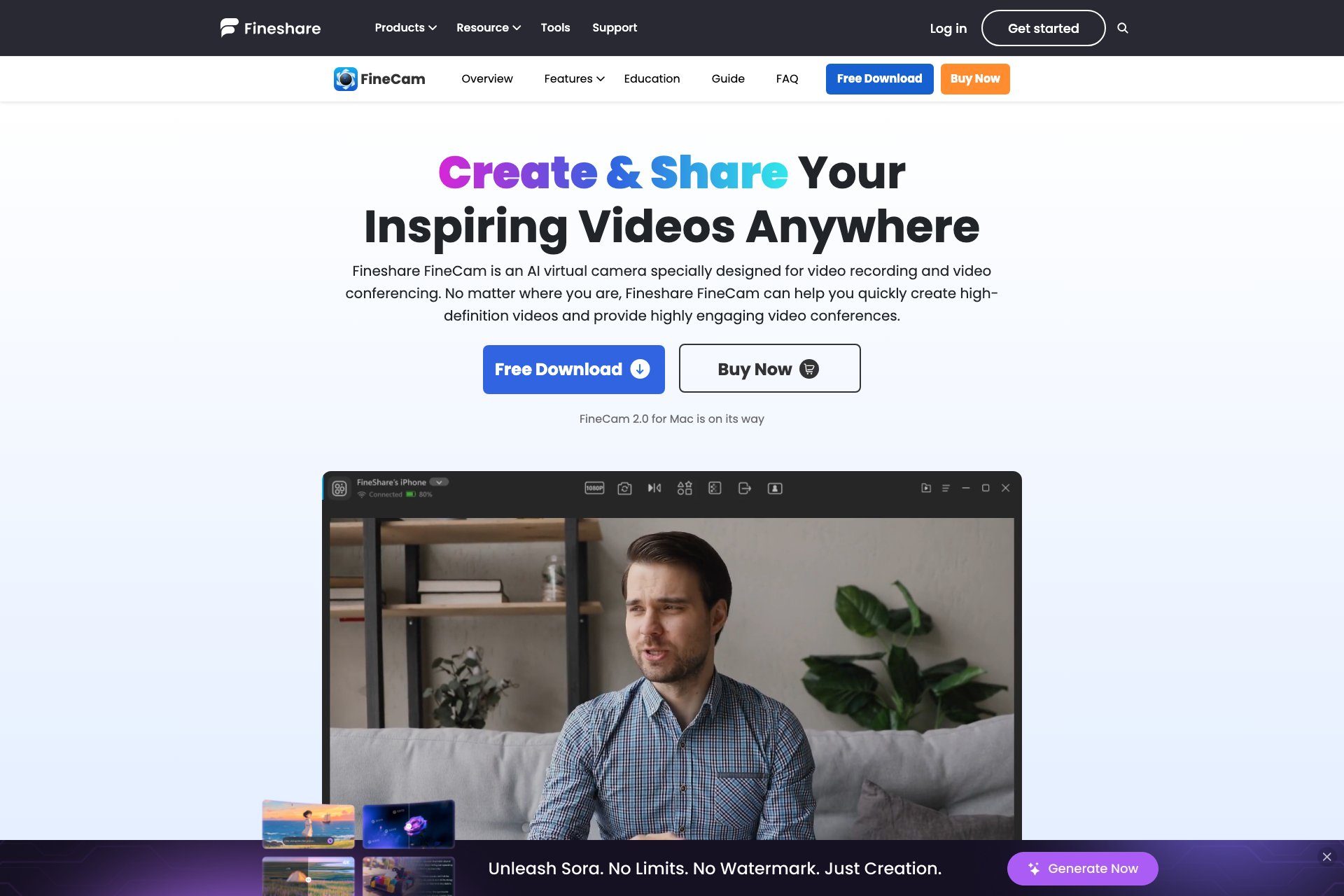
FineShare FineCam: AI-powered virtual camera software for simplified video production.
Overview
- Device compatibility: Turn your iPhone into a 4K HD webcam and use with popular apps like Zoom, Microsoft Teams, Twitch, and more
- Customization: Remove backgrounds, add effects, multi-scenes, brand logos, and overlays
- AI enhancement: Auto focus, advanced adjustments, and cinematic effects for professional-looking videos
- Virtual backgrounds: Use PowerPoint slides, YouTube videos, web pages, or Unsplash images as backgrounds
- Deep learning: Real-time video processing, background subtraction algorithms, low light video booster, and Gaussian blur
Who it's for
- Remote workers who frequently use video conferencing tools for work meetings and presentations.
- Content creators who produce video content for social media platforms or other online channels.
- Educators and trainers who create instructional videos for online courses or remote learning.
- Small business owners who want to create professional-looking videos for marketing and advertising purposes.
- Freelance videographers who need a versatile and easy-to-use virtual camera software for their projects.
Pricing
What we hold on record for FineShare.
- Pricing model
- Free Tool
Advertised prices often assume annual billing — The Annual-Billing Illusion , our study of 150 tools.
Frequently asked questions
Is FineShare free?
Yes — FineShare is free to use.
How much does FineShare cost?
Nothing — it's completely free.
What are the best FineShare alternatives?
The closest matches in our directory are PavoAI, ClapClip AI, Angles and VidRush AI — see "More tools like this" below for the full set.
Keep comparing
Reviews
No reviews yet
Be the first to share your experience.
More tools like this
All Video Editing tools →Looking for AI tools similar to FineShare? These are the closest picks in our index.

All-in-one AI video creation with text-to-video, image-to-video, editing, avatars, music, subtitles, and 20+ leading models in one workspace.

Offline face swap for Windows 10/11. It runs on your own GPU with a live preview, has no limit on video length, and nothing gets uploaded.

Turn one product page into 20-50 ready-to-post launch videos, each selling the same product from a different angle.

AI-powered long video generator. Create multi-modal AI videos by combining images, video, audio, and text for controllable, production-ready results.

Turn TikTok, Instagram Reels, YouTube Shorts and Facebook videos into accurate, timestamped transcripts in 3-10 seconds. Export as TXT, SRT or VTT. Free tier included.
AI teleprompter for scripts, WPM pacing, mirror mode, camera recording, take review, and local video downloads.

Turn any song into a beat-synced lyric video with AI transcription, editable lyrics, mood-driven visuals, and exports for YouTube, TikTok, and Reels.
Cloud platform for recording studio-quality remote audio and video podcasts with separate local tracks, AI editing, and transcription.
All-in-one video editor by ByteDance for desktop, mobile, and web with templates, effects, and AI-powered editing tools.