
Bimg AI
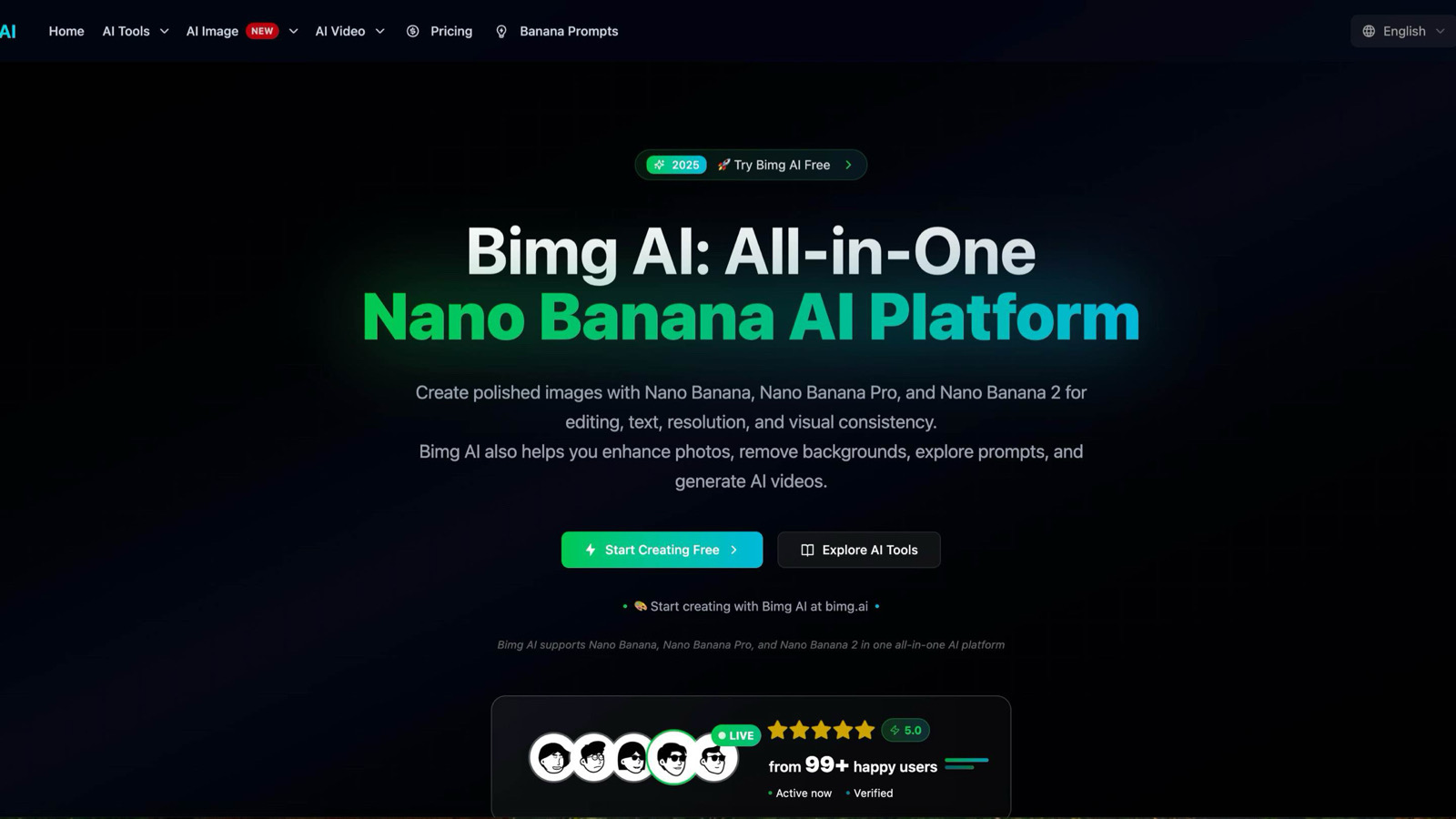
Bimg AI is an all-in-one platform for Nano Banana, Pro and 2, with AI image editing, generation, upscaling, restoration, background removal, and AI video generation.
Overview
Bimg AI gives you a browser-based workspace for generating, editing, upscaling, restoring, and background-removing images — plus AI video generation — without stitching together five separate tools. You describe what you want in plain language and the platform handles the underlying model calls, whether you're compositing a product shot or generating a thumbnail from scratch. You can edit existing images using natural language instructions: swap backgrounds, relight a scene, remove an object, or shift the color grading. Text rendering in generated images is handled better than most comparable tools, which matters if you're producing ad creatives or social graphics where legible copy is non-negotiable. The freemium tier lets you test the core features before committing. Heavier workloads — batch processing, higher resolution outputs, video generation — will push you toward a paid plan. It's a reasonable trade-off if image production is a recurring part of your workflow rather than an occasional task.
- Generate images from text prompts with above-average in-image text rendering
- Edit photos using plain-language instructions — remove objects, swap backgrounds, adjust lighting
- Upscale low-resolution images without manual resampling
- Restore degraded or damaged photos automatically
- Remove backgrounds in one step, no masking required
- Generate short AI videos from text or image inputs
What stands out
- Covers the full image editing and generation workflow in one tool, reducing context switching
- Natural language editing lowers the skill floor for non-designers
- Text rendering in generated images is more reliable than many competitors
- Freemium tier is available for low-volume testing before paying
Where it falls short
- Video generation quality and length limits are unclear without signing up
- Freemium usage caps will frustrate anyone with consistent high-volume needs
- Browser-based tools like this tend to lag behind dedicated desktop software for fine-grained control
Who it's for
- Content creators who need thumbnails and social visuals produced quickly without a design background
- E-commerce operators who want clean product images and ad creatives without a photo studio
- Designers exploring style variations or generating mockup bases before refining in Figma or Photoshop
- Marketers who need a steady output of promotional graphics across multiple campaigns
Pricing
What we hold on record for Bimg AI.
- Pricing model
- Freemium
Advertised prices often assume annual billing — The Annual-Billing Illusion , our study of 150 tools.
Our take
Canva replacement for people who type
— Toolhunter editors
Frequently asked questions
Is Bimg AI free?
There's a free tier. Paid upgrades are available.
What is Bimg AI used for?
Canva replacement for people who type. It's listed under Design in our directory.
What are the best Bimg AI alternatives?
The closest matches in our directory are SketchVideo AI, drakeaivideo, ProDesign Archive and BlurOutAI — see "More tools like this" below for the full set.
Keep comparing
Reviews
No reviews yet
Be the first to share your experience.
More tools like this
All Design tools →Looking for AI tools similar to Bimg AI? These are the closest picks in our index.
Animate a Drawing AI turns hand-drawn pictures, doodles, pencil sketches, and illustrations into animated videos while preserving their original visual style.

Turn a photo of yourself, your pet, or a character into a personalized Burning Bridges AI dance video with synchronized audio, ready to share on TikTok, Reels, and Shorts.
Study color, typography and layout across 139 brand-design references in structured Markdown, then bring clearer context into AI-assisted design briefs.

Blur faces, text & license plates instantly in your browser. 100% private AI — no uploads, no sign-up.

AI tattoo generator for turning ideas, photos & sketches into expressive designs.

AI Design Home helps you visualize changes to your space before making them. Upload a photo of a room, house exterior, or garden, choose a style, and generate a realistic design preview based on your own space.
Turn your ideas into custom tattoo designs with AI, explore six styles, and create visual references to discuss with your tattoo artist—try your first design free.

Browser-based converter that turns JPG, PNG, and WebP images into 3D meshes for preview and export.
One AI enhancer for photos, images, videos, and creative effects.