
Midjourney Splitter
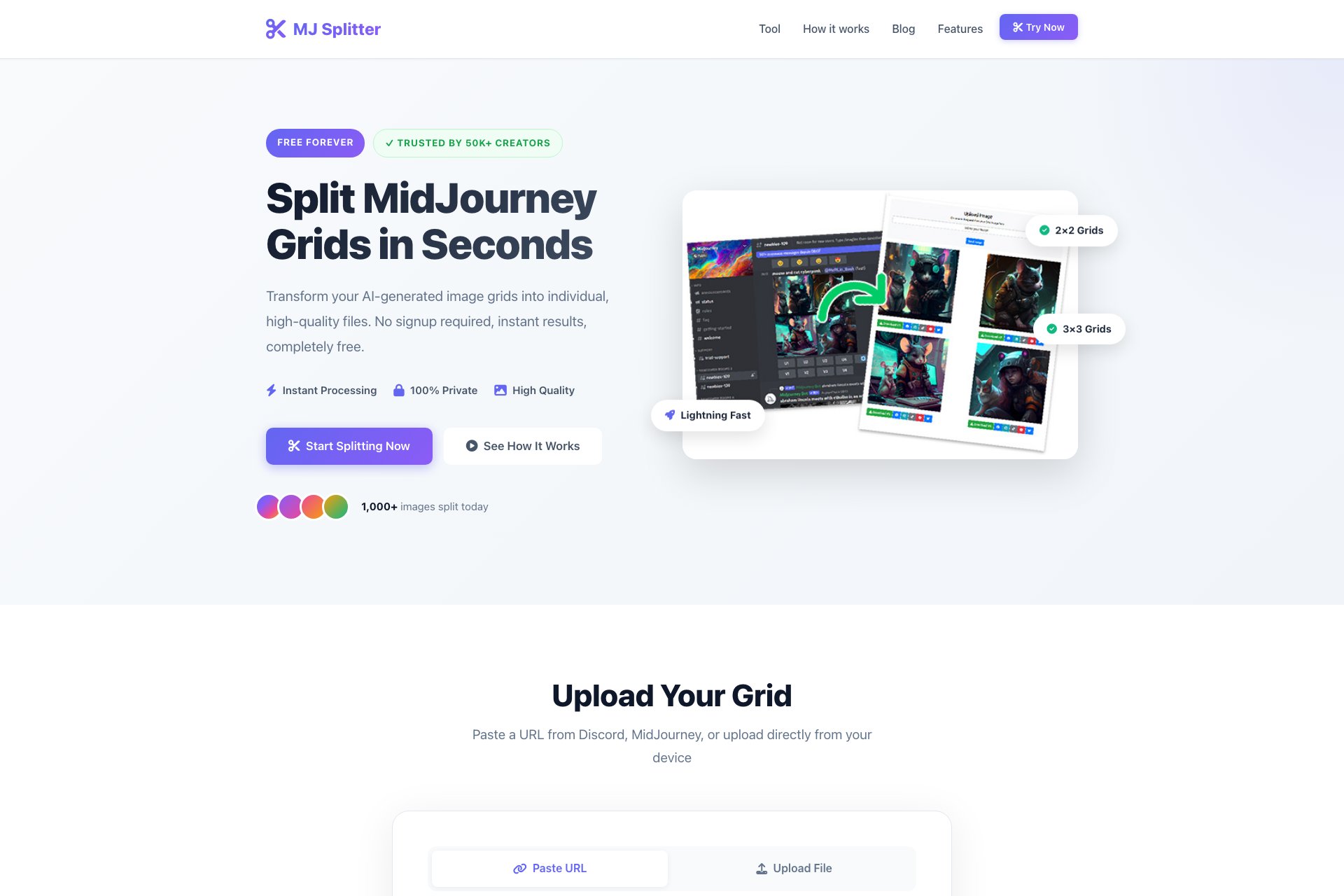
MJSplitter: Split Midjourney Grid into single images, download and share.
Overview
- Split Midjourney Grid into single images
- Upload or paste link as input
- Download images in JPEG format
- Share images on social networks
Who it's for
- Graphic designers who need to split a Midjourney Grid into individual images for use in their designs.
- Social media managers who want to share individual images from a Midjourney Grid on various social media platforms.
- Website developers who need to split a Midjourney Grid into individual images for use on their website.
- Photographers who want to split a Midjourney Grid into individual images for use in their portfolio or for printing.
- Marketing professionals who need to split a Midjourney Grid into individual images for use in their marketing materials.
Pricing
What we hold on record for Midjourney Splitter.
- Pricing model
- Free Tool
Advertised prices often assume annual billing — The Annual-Billing Illusion , our study of 150 tools.
Frequently asked questions
Is Midjourney Splitter free?
Yes — Midjourney Splitter is free to use.
How much does Midjourney Splitter cost?
Nothing — it's completely free.
What are the best Midjourney Splitter alternatives?
The closest matches in our directory are MenuCapture, RemoveMate, Lumenfix and AI Photo Editor — see "More tools like this" below for the full set.
Keep comparing
Reviews
No reviews yet
Be the first to share your experience.
More tools like this
All Image Editing tools →Looking for AI tools similar to Midjourney Splitter? These are the closest picks in our index.

Upload a photo of your dish, type what you want changed, and get an edited menu photo in about 15 seconds. The dish in the photo stays the same.

Remove photo backgrounds online with AI. Upload a product photo or everyday image, review the cutout, and download it with free credits or optional one-time credit packs.

Fix blurry, old, and low-resolution photos online with AI, then upscale them to 4K or 8K.

Edit photos by typing what you want.

Turn travel snapshots into paintings, change the weather, or clean up crowds. Upload a photo and describe how it should look.

Online AI photo enhancer that sharpens portraits, products, scenery, pets and text — export JPEG/PNG/WebP with no watermark.

Select a word, price, date or number in any image or screenshot and replace it — everything outside the box stays the same.

Swap a face in a photo in your phone or computer browser. Preview and download the result; accounts, credits, and usage limits apply.

Free online background remover: upload a JPG, PNG or WebP photo, remove the background and download a transparent PNG or a JPG with a new backdrop. No account needed.