
Flying Dog
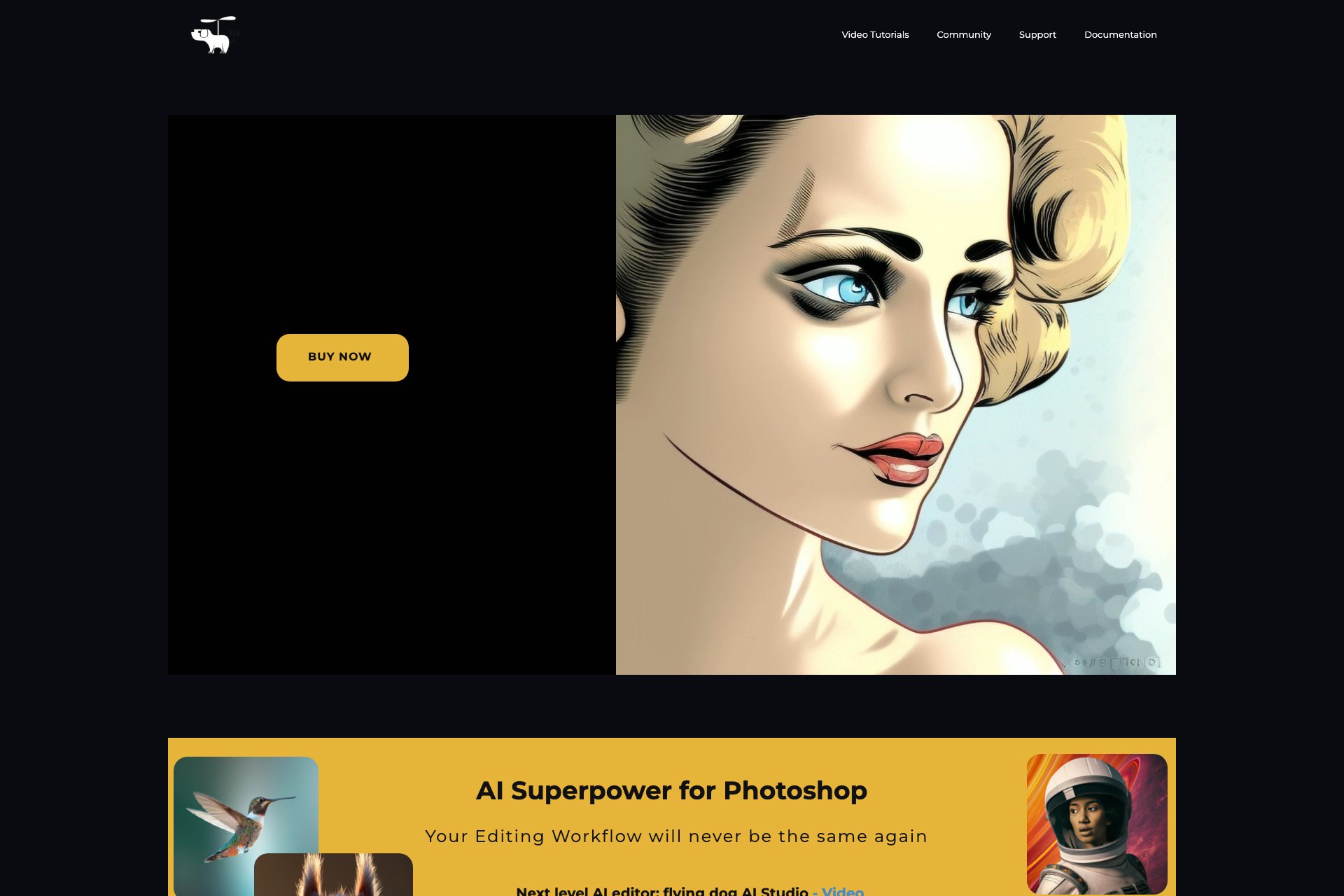
Flying Dog AI for Photoshop: AI plugin for designers' workflow enhancement.
Overview
- Four AI connectors: Three for Stable Diffusion and one for DALL-E 2
- Versatile tools: Text-to-Image, Inpainting, Outpainting, and Image-to-Image modifiers
- Compatibility: Supports Windows, Linux, and Mac computers, as well as Photoshop version 23.5 or higher
- Use cases for Flying Dog AI for Photoshop cater to various design needs:
- Overall, Flying Dog AI for Photoshop offers a revolutionary plugin to improve designers' workflow and creativity, compatible with multiple platforms and servers.
Who it's for
- Graphic designers who want to streamline their workflow and improve their productivity.
- Artists who want to create unique illustrations using AI-powered Text-to-Image tools.
- Photo editors who want to enhance their image correction skills with Inpainting.
- Designers who work on multiple platforms and servers and need a plugin that is compatible with Windows, Linux, and Mac computers.
- Professionals who want to take advantage of the latest AI technology to improve their creativity and workflow.
Pricing
What we hold on record for Flying Dog.
- Pricing model
- Paid
- Plan details
- Paid plans start from 55
Advertised prices often assume annual billing — The Annual-Billing Illusion , our study of 150 tools.
Frequently asked questions
Is Flying Dog free?
No — Flying Dog is a paid product.
How much does Flying Dog cost?
Paid plans start from 55.
What are the best Flying Dog alternatives?
The closest matches in our directory are MenuCapture, RemoveMate, Lumenfix and AI Photo Editor — see "More tools like this" below for the full set.
Keep comparing
Reviews
No reviews yet
Be the first to share your experience.
More tools like this
All Image Editing tools →Looking for AI tools similar to Flying Dog? These are the closest picks in our index.

Upload a photo of your dish, type what you want changed, and get an edited menu photo in about 15 seconds. The dish in the photo stays the same.

Remove photo backgrounds online with AI. Upload a product photo or everyday image, review the cutout, and download it with free credits or optional one-time credit packs.

Fix blurry, old, and low-resolution photos online with AI, then upscale them to 4K or 8K.

Edit photos by typing what you want.

Turn travel snapshots into paintings, change the weather, or clean up crowds. Upload a photo and describe how it should look.

Online AI photo enhancer that sharpens portraits, products, scenery, pets and text — export JPEG/PNG/WebP with no watermark.

Select a word, price, date or number in any image or screenshot and replace it — everything outside the box stays the same.

Swap a face in a photo in your phone or computer browser. Preview and download the result; accounts, credits, and usage limits apply.

Free online background remover: upload a JPG, PNG or WebP photo, remove the background and download a transparent PNG or a JPG with a new backdrop. No account needed.