
Clipdrop
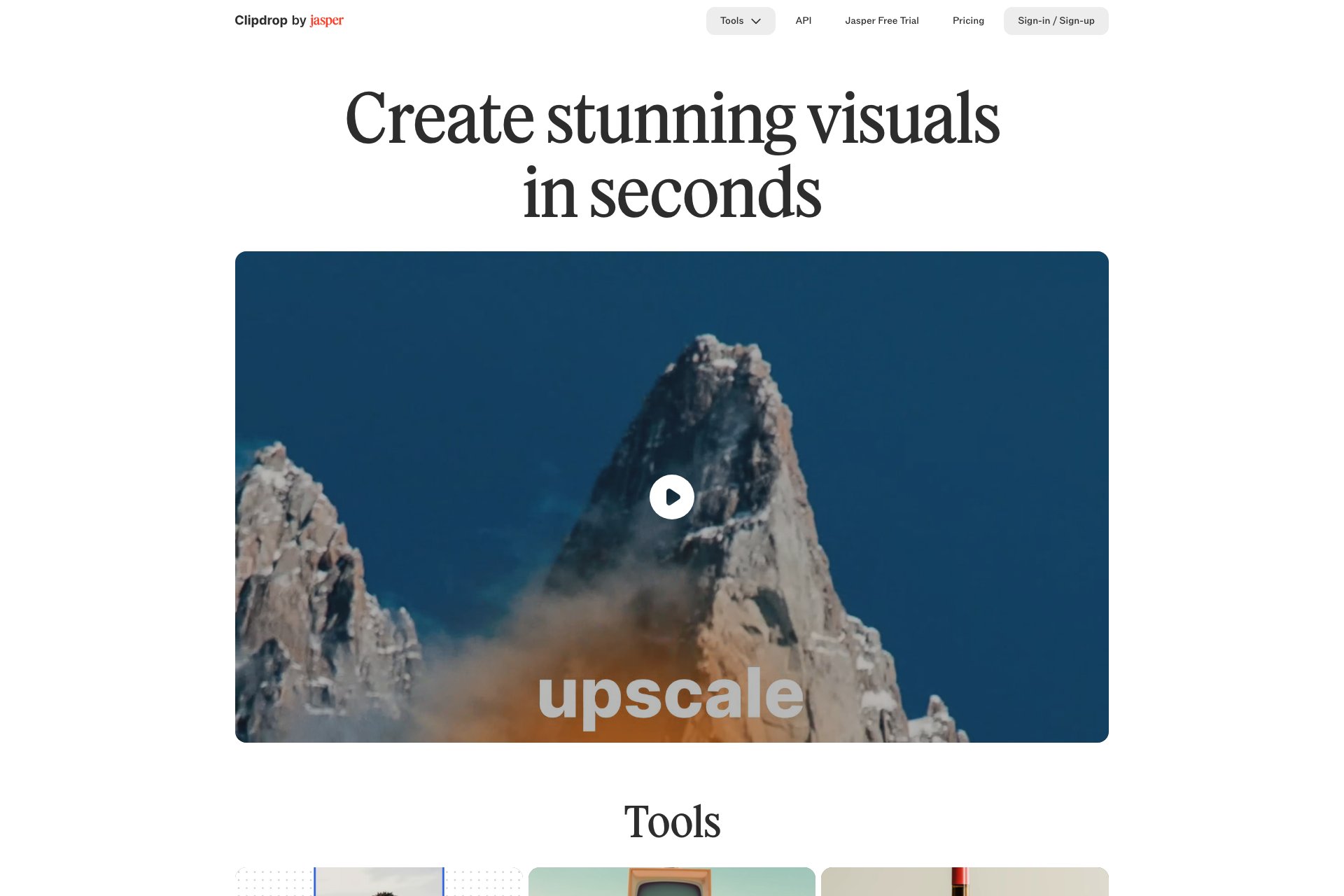
ClipDrop: AI-powered ecosystem for stunning visuals, advanced editing, and integrations.
Overview
- Advanced editing tools: Remove objects, people, text, and defects; extract subjects; relight and upscale images
- Integration: Works with Adobe Photoshop, Figma, and offers an API for custom app integration
- Mobile apps: Available on iOS and Android for on-the-go editing
- Use cases for ClipDrop cater to various creators:
- Overall, ClipDrop provides a revolutionary workflow for creating stunning visuals, suitable for creators of all levels.
Who it's for
- Professional graphic designers who require advanced editing tools for their projects.
- Social media influencers who need to create visually appealing content for their platforms.
- Photographers who want to enhance their images with AI-powered editing capabilities.
- Freelance designers who work on various projects and require a versatile editing tool.
- Marketing professionals who need to create high-quality visuals for their campaigns.
Pricing
What we hold on record for Clipdrop.
- Pricing model
- Freemium
- Plan details
- Paid plans start from 3.05
Advertised prices often assume annual billing — The Annual-Billing Illusion , our study of 150 tools.
Frequently asked questions
Is Clipdrop free?
There's a free tier. Paid upgrades are available.
How much does Clipdrop cost?
Paid plans start from 3.05.
What are the best Clipdrop alternatives?
The closest matches in our directory are AI graffiti generator, AIGIFY, Sketchar and Jeda.ai — see "More tools like this" below for the full set.
Keep comparing
Reviews
No reviews yet
Be the first to share your experience.
More tools like this
All Art tools →Looking for AI tools similar to Clipdrop? These are the closest picks in our index.
Turns words & images into graffiti art masterpieces.

AIGIFYAI: AI-powered GIF generator with 100+ styles and mods.

Sketchar: Personalized art learning app with mind-blowing tools.

Jeda AI: Advanced AI-powered workspace with online whiteboard and collaboration.
Twitter tool for creating AI art galleries.

Baked: AI tool for unique art on various products. Easy process.

OpenDream: AI-powered art generation tool for effortless, personalized images.

PicSo: AI Art Generator app for creating digital art effortlessly.

Prodia offers accessible AI integration with fast image/music generation API.